Video summary
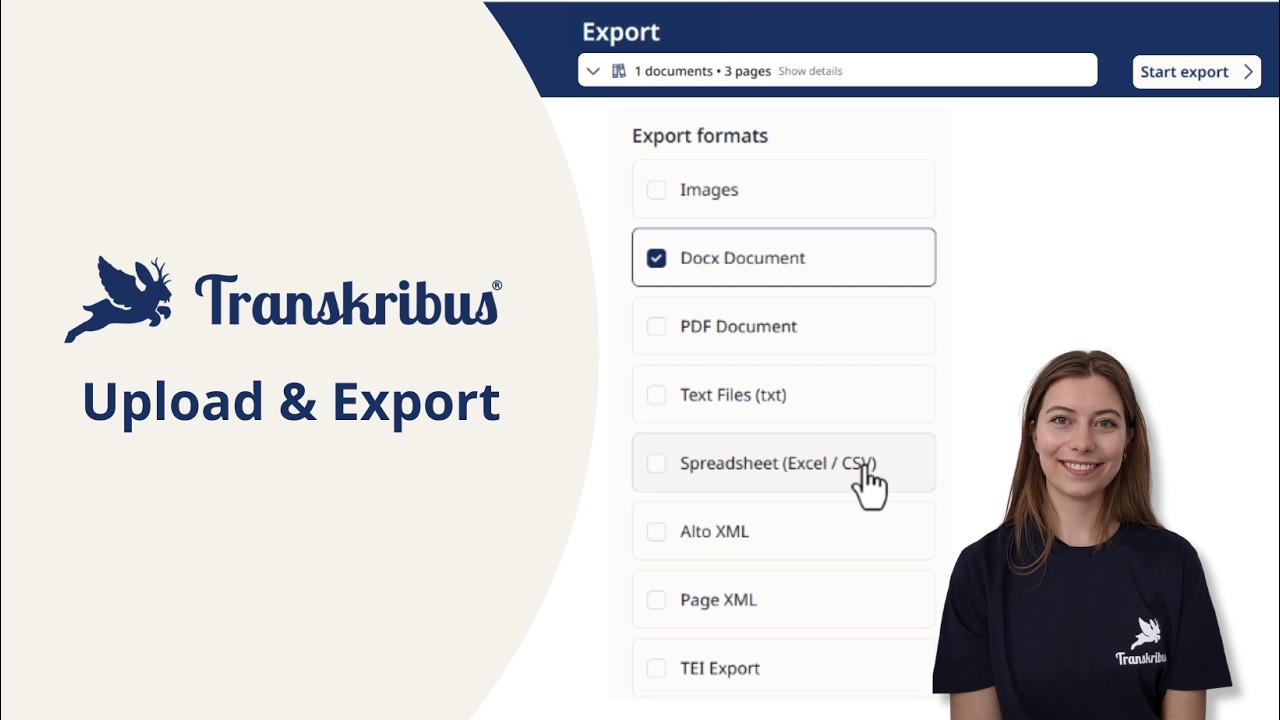
This video provides a straightforward guide on how to manage document uploads and exports within the Transkribus platform, emphasizing simplicity and organization for users of all experience levels. The process begins by navigating to the "new" section where users can either select an existing collection or create a fresh one if they are just starting out. Once a collection is chosen, the interface allows users to drag and drop their materials directly into the upload area, after which they simply name the document and submit it. It is important to note that all pages uploaded in this manner are grouped together as a single document, while collections function essentially as folders that organize these documents and their respective pages.
After the initial upload is complete, users can seamlessly add new pages to existing documents whenever necessary, ensuring that their project files remain current and comprehensive. The tutorial then shifts focus to the export phase, which occurs once transcription work is finished and the user is ready to download their results. To initiate this process, the user selects the specific document they wish to retrieve and clicks on the actions button to choose the export option. This step reveals a variety of standard formats such as images or PDFs, alongside advanced options like Excel or page XML, allowing users to select the file type that best suits their downstream needs.
Upon starting the export process, the system handles the generation of the files and notifies the user via email once the download is ready, providing a convenient way to access the completed work without needing to constantly check for status updates. Additionally, the platform offers an AI jobs table where users can view an overview of their recent activities, including details about their downloads, ensuring full transparency and tracking of project progress. By following these clear steps for both importing and exporting, users can efficiently manage their transcription workflows from the moment they first upload a document until they retrieve their final edited files.
Read the full video transcript
Curious about how to import and export
documents to Transkribus? Let me show
you how. The easiest way to upload
documents to Transkribus is to click on
new and then upload documents.
Here you can pick one of your existing
collections to add new documents to.
If you are just starting out, you can of
course add a new collection
and the name
and then create the new collection.
Then click on upload. Now you can drag
and drop your material into the upload
area.
Give your document a name.
Submit and all the pages will be
uploaded as one document. Basically,
collections are like folders that
contain your documents and your
documents contain the pages you upload.
And of course, you can always add new
pages to existing documents as well.
Once your documents are uploaded, you're
ready to start working. And once you
have worked on your documents and you
have finished your transcription,
downloading is just as easy.
Select the document you want to download
and then click on the actions button.
Choose export and select your desired
format. The standard export options like
images or PDF or advanced options like
Excel or page XML.
Start the export and you will receive an
email with the download once it's
complete. And you can see an overview of
your activity such as your downloads in
the AI jobs table.
And that's it. That's how you import and
export documents in Transkribus.