Video summary
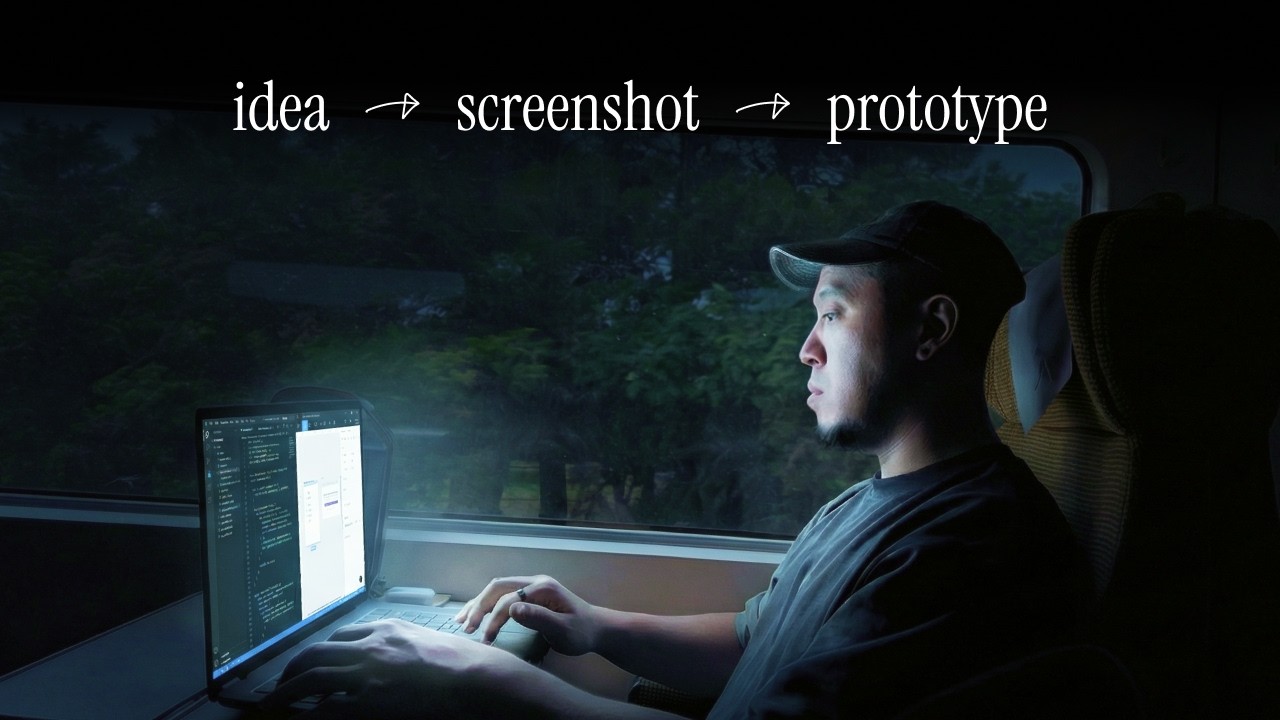
The landscape of product design has fundamentally shifted in 2026, moving away from abstract discussions toward tangible demonstrations where showing an idea is far more effective than merely describing it. The speaker, a designer with over a decade of experience, argues that if a team cannot feel the reality of your concept, the idea is essentially dead before it begins. Instead of relying on traditional methods like spending days building static prototypes in Figma, writing lengthy documents, or nervously presenting slides to stakeholders, designers now have access to tools that bridge this gap instantly. This new approach prioritizes making ideas real and interactive immediately, ensuring that product managers and other team members are not just imagining a feature but actually experiencing it within the browser environment.
To illustrate this transformative workflow, the speaker shares an example from their work on a note-taking tool called Potion, where they needed to visualize complex relationships between notes, keywords, and overlapping pages without manual effort in design software like Figma. By using AI-powered prototyping tools, they were able to generate a functional prototype with clickable elements and hover states within minutes simply by describing the desired outcome or uploading a screenshot of an inspiration source. This process allows for rapid iteration where users can instantly modify colors, shapes, animations, and even connect real databases via Supabase, all while maintaining version control to roll back changes if necessary. The ability to edit directly on screen with plain language explanations from the AI ensures that the design remains grounded in reality rather than existing as a mere mockup.
Beyond simple creation, this workflow integrates deeply into the development process by allowing designers to inspect code and drop their own product requirement documents or notes directly into the project context for the AI. This feature provides continuous feedback loops where the more information given upfront about what is being built, the better the output becomes, effectively closing the gap between having an idea in one's head and presenting a compelling visual proof of concept. The speaker emphasizes that while no tool is perfect or magical, this method represents a much more honest workflow for iterating on existing products and pitching new features because it forces immediate validation through interaction rather than passive reading or listening to descriptions.
Ultimately, the core philosophy presented is that great designers should be agnostic about specific tools but focused entirely on how best to communicate their ideas in the most compelling way possible at any given moment. While Figma served as the standard for many years, newer browser-based solutions are becoming increasingly vital when communicating with stakeholders who need to experience a product rather than just hear about it. The speaker challenges viewers to take an existing project they are working on, create a quick prototype of their idea using these modern methods, and show it to a colleague to witness the immediate impact such demonstrations have on engagement and understanding. This shift not only saves time but also elevates the quality of collaboration by ensuring that every team member is aligned with a concrete vision rather than an abstract concept.
Read the full video transcript
The landscape of product design has
changed. The design process doesn't
really look like this.
In 2026, it looks more like
>> [snorts]
[music]
>> You won't get away with just talking
about the idea anymore. You're more
likely to get buying if you can actually
show the idea. Today, I want to show you
something that changed how I pitch my
team and validate my ideas as a
designer. I'm going to walk you through
an example so you can actually do the
same in your design workflow. I'm Chris.
I've spent over a decade in product
design and one thing that never changes,
no matter what level you're at, if you
can't make your team feel your idea,
it's already dead. But before we start,
tell me if this is you. So you have an
idea for a new feature. Maybe it's a
better onboarding flow. Maybe it's more
organized navigation. Maybe it's even
how certain interactions should work.
Whatever it is, you've thought about it,
it makes sense in your head, and now you
just need to get PMs or stakeholders on
board. So what do you do? Spend days
building out a Figma prototype, which is
fine, but it doesn't really feel that
real. Or you can write a doc and try to
get people to read it. Or you can put
slides together and nervously present in
the meeting. That was me. Instead of
doing what you usually do, let me show
you this. So imagine I'm working at a
company called Potion, and they're a
wiki and note-taking tool.
I've been asked to help make notes more
useful. A pretty broad scope of work,
but I have an idea. I plug the existing
product I'm working on into Dazzle, and
I tell it
I want to see the relationship between
notes, overlapping keywords, similar
pages,
because honestly, we're all good at
making notes, but most people are
terrible at organizing them, including
me. Within a few minutes, I got
something that looks like my existing
product. I didn't have to open Figma,
create tables, making tables manually.
And just by having something in front of
me made me think more deeply about the
feature.
Is this the best way to visualize
relationship? Or is there something
else? So I spent 30 minutes doing some
light competitor research, taking
inspiration from products I like, and I
find something. I take a screenshot of
it, I drop it straight into Dazzle, and
a working version of the idea built from
a screenshot, hover states, clickable
pages, connected to real data. It's
still an idea, but it actually feels
real. And here's the really cool part. I
can click into edit mode and select any
element on screen. I'll change the color
to orange, the shape to a triangle, and
add a cool animation. I'm happy enough
with the result to float this to my
product manager. I click share, invite
them to the project where we can
collaborate in real time. Dazzle tells
us what it's doing in plain language,
updates to code in the background,
and I can roll back to any previous
version if we don't like where the
exploration went.
You can use this toolbar at the top for
quick edits.
Or if you want to get real nerdy, you
can inspect the code, dig into the
project files, or connect it to your
database via Supabase to show more than
mock data. One more thing, the specs
panel. This is where you can see the
prompts the AI is using, but more
importantly, dropping your own notes and
PRD here. Imagine that. So the AI always
has context about what you're building.
The more context up front, the better
the output. This workflow is nuts. In my
opinion, the best designers are tool
agnostic. It's always been about one
question. How do I show my idea in the
most compelling way as possible? Figma
was that tool for a lot of us. Was.
Dazzle is your idea in the browser. The
prototype is the medium, and I think
that's going to matter more and more
when you're talking to a PM, a
stakeholder, or a user, because they're
not just imagining it anymore. They're
experiencing it. For the kind of work
that most of us are doing, like
iterating on products that already
exist, pitching ideas that need buying,
exploring directions before we commit,
this is a generally more honest workflow
than anything I've tried. It's not
magic, it's not perfect, but it's one of
those tools that made me feel like the
gap between I have an idea and I can
show the idea actually closed a little.
If you and your team want to try Dazzle,
it's linked below. I'll also drop a link
to my Potion project so you can play
with the demo yourself. Okay, here's my
challenge to you. Take the product
you're already working on, drop in a
screenshot of your idea, show it to a
colleague, and just watch their
reaction. I think you'll be surprised.
Let me know in the comments, do you want
more videos like this? And until next
time, bye.