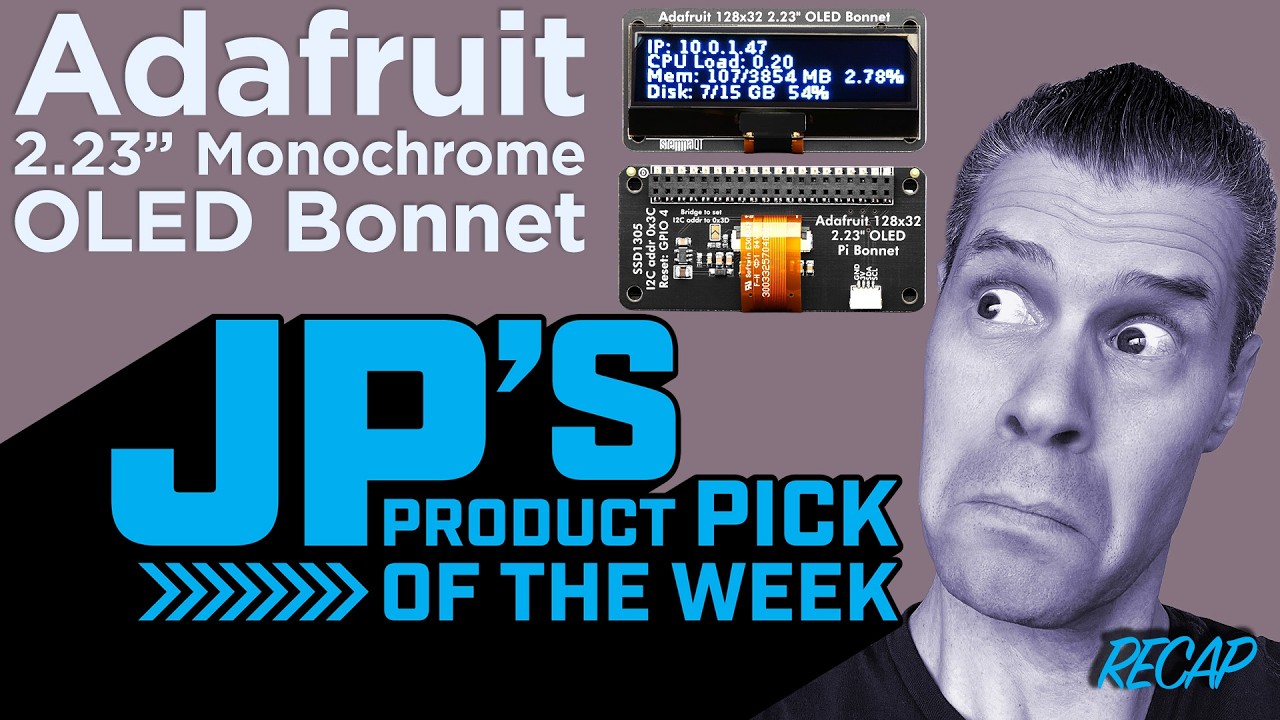
JP’s Product Pick of the Week 9/8/26 RECAP Adafruit 2.23" Monochrome OLED Bonnet for Raspberry Pi
Watch on YouTubeVideo summary
The video introduces the Adafruit 2.23-inch monochrome OLED bonnet, a compact display accessory designed specifically for use with the Raspberry Pi 400 and Pi Zero models. In the demonstration, the presenter showcases the device paired with a Cyberdeck bonnet, utilizing a custom Python script to transform the screen into an interactive scratchpad or typing interface. This setup highlights the product's versatility as a secondary display that can serve various functional purposes beyond simple visual output.
The primary argument presented is that this OLED bonnet is exceptionally well-suited for creating dedicated command-line shells or lightweight dashboards. Viewers are shown how the screen can be programmed to display real-time data such as system temperature, current IP address, and information gathered from connected sensors. By integrating these features directly into the hardware via Python code, users can build a personalized control center that provides immediate feedback on their project's status without needing to switch between different applications or windows.
Furthermore, the transcript emphasizes the practical value of having such a small, low-power display attached directly to the board, making it ideal for embedded projects where space is at a premium. The presenter notes that this accessory allows users to quickly prototype interfaces by typing commands directly onto the screen, effectively turning the Raspberry Pi into a standalone terminal device. This capability makes the bonnet a valuable tool for hobbyists and developers looking to enhance the interactivity of their builds with minimal additional complexity.
In conclusion, the Adafruit 2.23-inch monochrome OLED bonnet is presented as an essential upgrade for anyone wanting to add a functional secondary screen to their Raspberry Pi setup. Whether used for monitoring sensor data, displaying network information, or serving as a direct input method for shell commands, this product offers a flexible solution that bridges the gap between raw hardware and user-friendly interfaces. The video serves as a recap of why this specific accessory is a strong choice for expanding the capabilities of both the Pi 400 and Pi Zero platforms.
Read the full video transcript
[music]
>> It is the Adafruit
2.23 inch monochrome OLED bonnet for
Raspberry Pi my Pi 400 with the
Cyberdeck bonnet there and the OLED
bonnet is right there. What I'm running
on here is a little bit of Python code
and it just allows me to use this as a
direct little sort of scratchpad typing
interface. Uh, Lars says to tell you all
hello there, my friends.
Really nice for this type of secondary
screen type of thing. You could make
that be a shell maybe where you type in
commands. You could uh, of course have
that be a little dashboard that tells
you interesting things, temperature and
your IP address and some info coming off
of a sensor. It is the monochrome
2.23 inch OLED bonnet for Raspberry Pi
and Pi Zero.
>> [music]