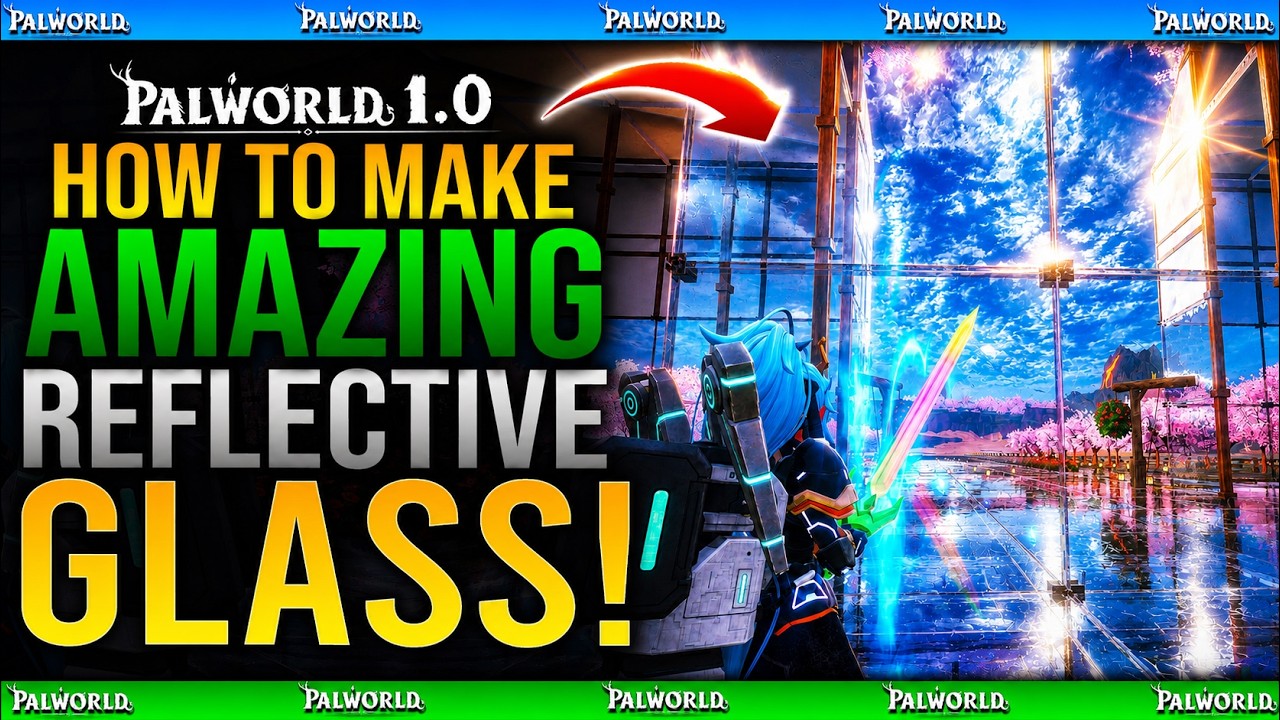
How To Create BEST REFLECTIVE PAINT COLOUR For Glass Builds in Palworld 1.0 Guide
Watch on YouTubeVideo summary
In this guide for Palworld 1.0, the creator demonstrates a specific technique to achieve highly reflective glass surfaces within water bases or any structure utilizing natural light and interior lighting. The video begins by showcasing a five-in-one water base where standard green glass appears dull and lacks visual appeal compared to modified versions. By applying a particular paint trick, the builder transforms ordinary windows into mirror-like surfaces that dramatically enhance reflections on floors and surrounding environments, creating an unreal aesthetic effect that significantly improves the overall look of the build.
The core method involves accessing the game's painting menu by pressing up on the D-pad followed by either Square or X to enter edit palette mode, typically triggered by L1 or LB depending on the console version used. Once in this mode, players must select a color with RGB values set strictly to zero for red, green, blue, and alpha channels, effectively creating what appears as pure black but functions uniquely within the game engine. This specific shade is not merely dark; it acts as a perfect reflective layer that maximizes light interaction when applied to glass structures, whereas removing this paint immediately reverts the surface back to its standard, non-reflective state.
The tutorial emphasizes that this technique works exclusively with actual glass materials and will not function on other building components or textures. When properly applied using an airbrush tool, these painted surfaces become so reflective that they can sometimes blend into their surroundings due to how well they mimic real-world reflections under in-game lighting conditions. The creator illustrates the stark difference between unmodified windows and those treated with this zero-value paint color, showing how the latter creates a stunning visual impact that elevates base designs from boring structures to immersive environments worthy of admiration by other players exploring Palworld worlds.
Read the full video transcript
So guys, I am back with yet another
power world video and the other day I
uploaded a video showcasing my
five-in-one water base. One of the main
questions I got was how did I get my
glass looking so reflective? Now it's a
simple trick but if you don't know how
to do it or today I'll teach you. Let's
go. How's it going guys? My name is DP
Jen and if you do enjoy the video
leaving a like really helps out. And if
you like what you see and want to see
more, be sure to subscribe. Okay, so my
water base I made with the intention of
having the world tree the natural light
and as you can see guys, look at the
reflection I've got there. Look at the
floor.
Look how reflective that is. Now if we
come to the
standard green glass
the reflection's almost
gone. Completely gone. But if we go to
the Look at that. It's absolutely
unreal. [music] If you've got natural
lighting, you've got lights up in your
base and you want this amazing
reflective glass, this is what you need
to do. So first things first, it only
works with glass. It ain't going to work
with anything else. So make sure you
have glass. Um this is a standard
structure and I'll put down another
water proof it to you. This is what the
standard green uh glass looks like. It's
super super dull, super super boring.
So yeah. So what I want to do is guys
pull up your paint mode which on uh
>> [snorts]
>> console you press up on your D-pad and
then press either square or X going to
paint mode. Then guys you can see it
says edit palette. This will either be
L1 or LB.
Press that. Then guys, this is the
perfect reflective color. It needs to be
zero zero zero zero zero zero.
This means that everything here is put
down to the very very bottom.
Make sure it's all at the very very
bottom like that.
And you're good. Press okay and then
guys have what looks to be black. This
is the perfect reflective color as you
can see. I spray these now.
They're all
that perfect reflective color. Almost to
a point where you you can't really It's
quite hard to see them in some instances
like that there. It's quite hard to see.
So, yeah. Even he ain't seen it. Look,
he's thinking, "What the hell's going on
there?" Like you see guys, look at the
difference. If I
I've gone back into my paint mode. If I
remove that color,
look at the difference there.
Look at the difference in the
reflection.
It's just so so much better. So, yeah
guys, it really is as simple as that.
So, enjoy that one, guys. Guys, if you
did enjoy it, leave it a like. It really
helps out. If you like what you see and
want to see more, be sure to subscribe.
And hopefully, guys, I will see you on
that next
one.